WHATSAPP BUSINESS API / TEMPLATESA thoughtful message, ready to send.
Create structured WhatsApp message templates and manage their review status in one place.
ONE CONVERSATION / TWO VIEWS
From a reusable draft to a personal message.
THE CUSTOMER’S VIEW9:41▮▮▮ 100%
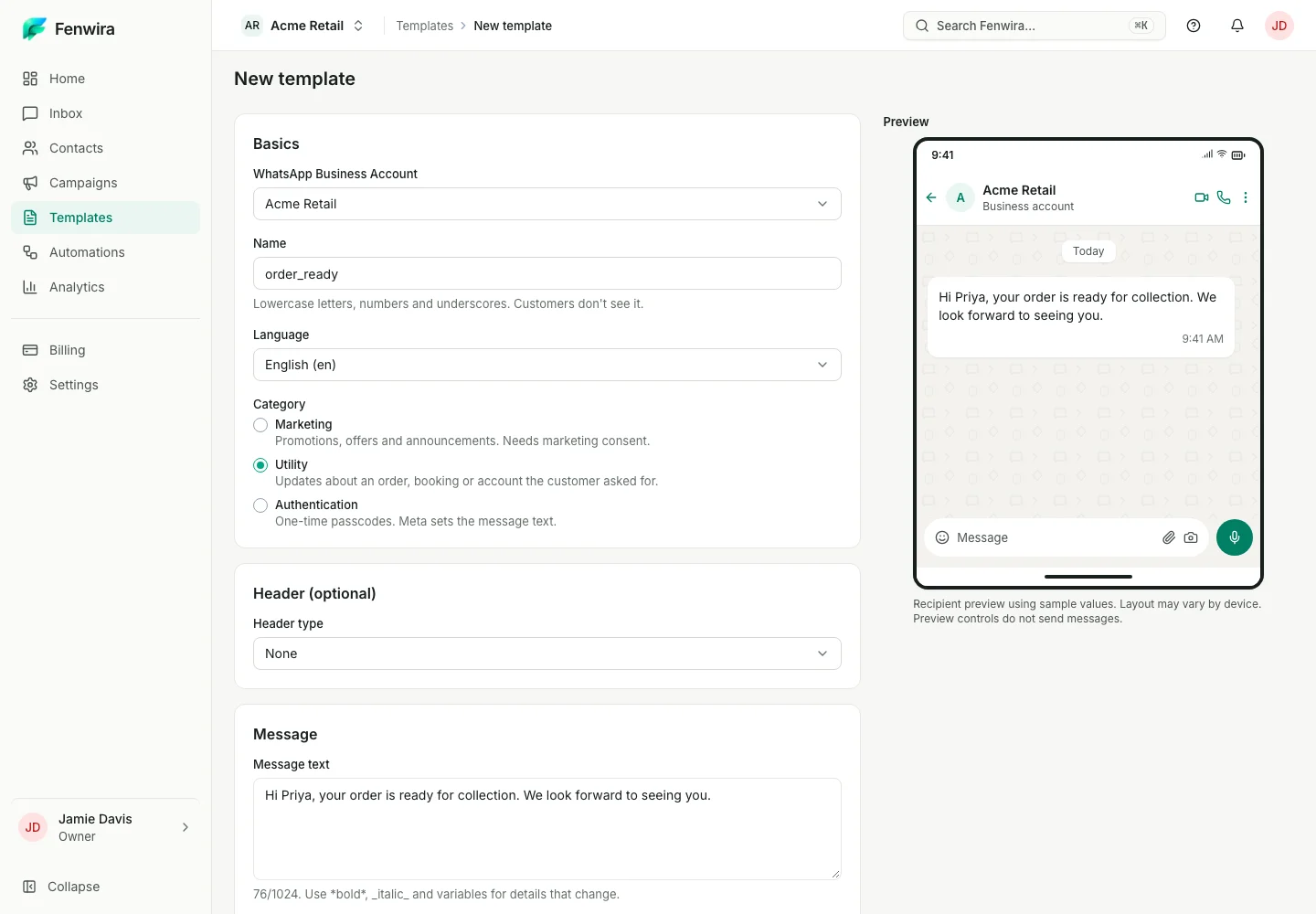
TodayHi Priya, your order is ready for collection. We look forward to seeing you.
Delivered in this illustrative conversationThank you! I’ll collect it today.
Illustrative example · No messages sentScroll to read the conversation
Illustrative example · No message sent
YOUR TEAM’S VIEW Fenwira / Template editorExperience v2
A sample name filled in. The same order-ready message in the editor and phone.
KEEP THE WORK CONNECTED
Starting each outbound message from scratch slows down consistent customer communication.
- Prepare reusable customer messages
- Track template review and approval status
- Personalize approved messages with variables
A clear next step.
- 01
Draft a template
- 02
submit to Meta for review
- 03
track its status
- 04
use an approved template.
Meta verification and template approval timing varies. Approval is not guaranteed.
Before you start with templates.
Make room for your next conversation.
Review your team’s setup, connected account and workspace requirements.